Vending Machine Apps: Start With the Job That Eats Your Week, Then Add the Next Tool
Operators use vending machine apps to find locations, pitch property managers, check whether a spot pays, track machine sales, plan routes, buy machines and reorder stock. Most apps do one of those jobs well, so start with the one that covers the job taking most of your hours, then add the next as your route grows. This guide is for new operators chasing a first placement and for established operators who want fewer logins and less retyping.
By Mike Hoffmann, Founder · 7 min read
See VendLytics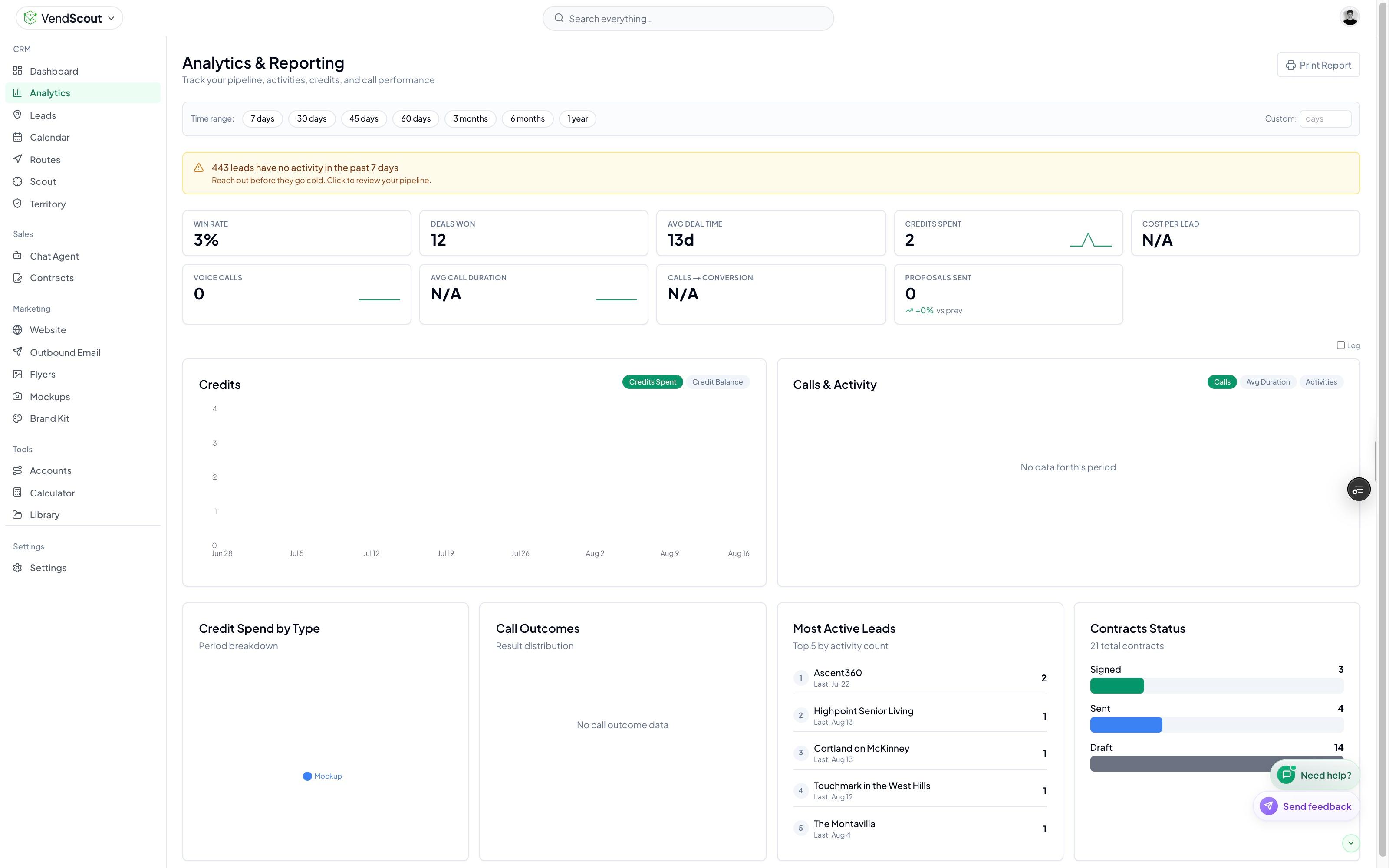
On this page (6 sections)
Operator app chart: from first placement to a full route
| Tool type | What it does | Use it when |
|---|---|---|
| Location finder | Turns a ZIP code and business type into real nearby businesses | You need your first or next placement |
| Location lead pipeline | Ranks location leads and tracks where each one stands | You're working more leads than you can remember |
| Placement proposal and mockup | Builds a print-ready pitch and a picture of the machine in the room | You're about to meet a property or office manager |
| Location profit calculator | Shows what a spot earns after rent, spoilage, commission, fees and time | You're deciding whether a location is worth a machine |
| Sales dashboard | Pulls every connected machine's sales into one view | Your machines already report sales on their own |
| Route planning and team login | Plans routes and gives the whole team one login | More than one person services machines |
| Machine catalog and comparison | Lists machines with prices and compares specs side by side | You're adding or replacing equipment |
| Wholesale ordering | Puts national suppliers under one login and one cart | Restocking takes too many accounts and orders |
Which vending machine app should you pick?
- Starting from zero: a location finder plus a proposal tool, so you can land a first placement.
- Juggling a dozen leads: a location lead pipeline, so no follow-up slips.
- Running a full route with connected machines: a sales dashboard that shows every machine in one view and gives you the commission numbers for each location.
- Spending hours every week on restocking: wholesale ordering with your suppliers in one cart.
- Adding a driver or helper: route planning with one shared login, so nobody works off old notes.
Which apps do vending operators run for each job?
Location finder
A location finder takes a ZIP code and a business type and returns real businesses nearby that could host a machine. It helps most early on, when your biggest problem is knowing who to call. The free vending location finder gives you five real nearby businesses for any ZIP code and business type.
Five businesses are enough for a start, but you'll need a longer prospect list after that. Use the finder to test a new business type or fill a gap in your territory before you commit hours to it. When you need a steady supply of leads, move up to a pipeline tool.
Best for: new operators, testing a business type, filling gaps in a territory
Location lead pipeline
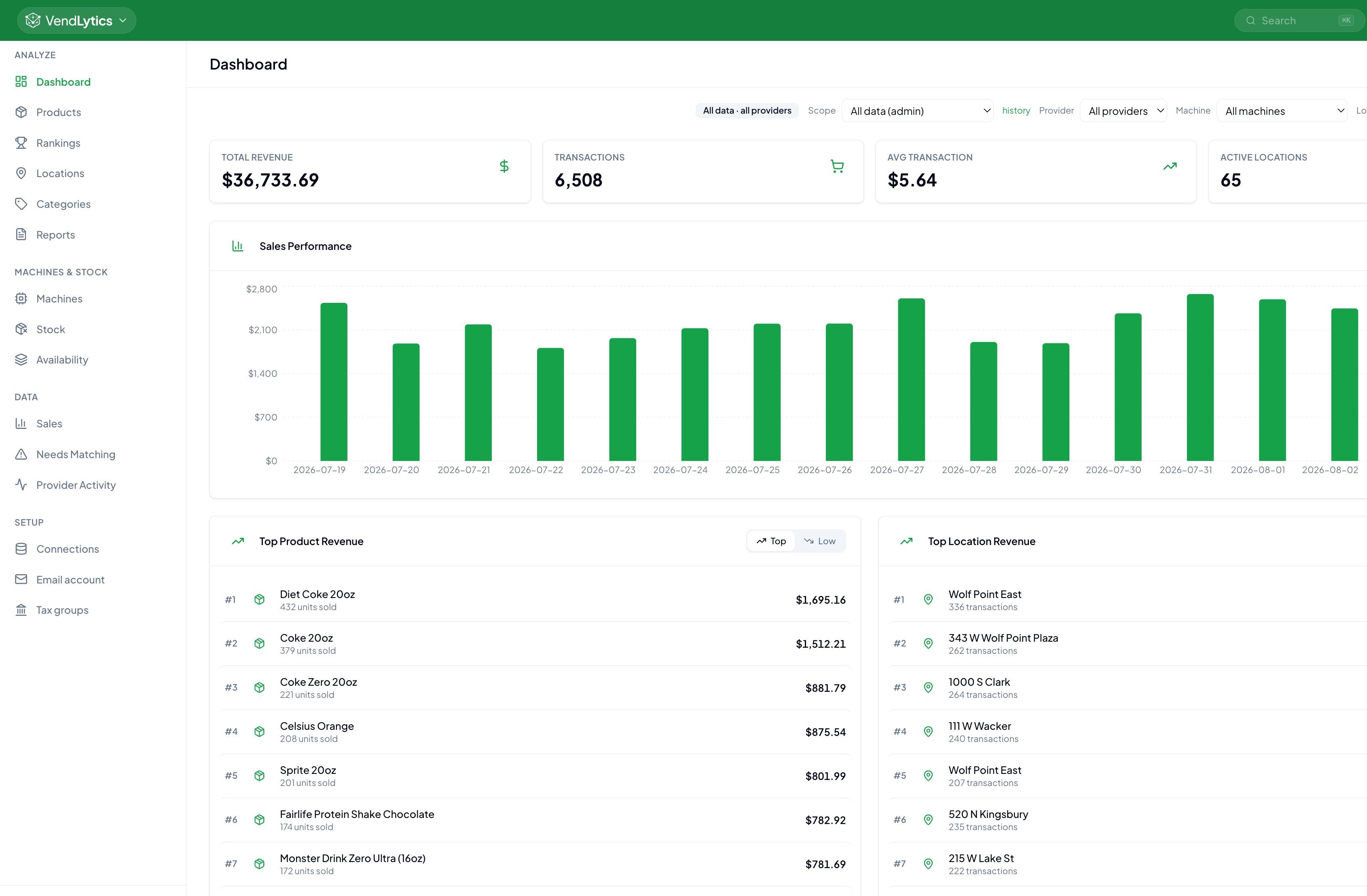
A lead pipeline keeps every location you're chasing in one list and shows where each one stands. It helps once you have more leads than you can track in your head or a notebook. VendScout pulls ranked location leads off Google Maps and includes contracts for when a manager says yes.
Check whether the pipeline connects to wherever your leads come from. If you retype every lead from a separate search tool, the list goes stale within a few weeks. VendHub's Grow my route keeps the search for any US ZIP code and the pipeline in the same place.
Best for: active prospecting, small sales teams, operators losing track of follow-ups
Placement proposal and mockup
A proposal tool turns your pitch into a document you can hand to a property or office manager. A clean printed proposal shows the manager you're serious, which a verbal promise doesn't. The placement proposal generator builds a print-ready proposal for that meeting.
A proposal can still leave the manager guessing what the machine will look like in their room. The free See it in my space tool drops a machine into a photo of the breakroom so you can download the mockup. Bring both to any meeting that matters.
Best for: first meetings, office and property managers, operators without a sales background
Location profit calculator
A profit calculator estimates what a location really earns once the costs come out. Use it when you're choosing between two spots or deciding whether to accept a commission request. The location profit calculator accounts for rent, spoilage, commission, fees and your time.
The result is only as good as the numbers you put in. Use your own sales history where you have it, and be honest about how long the stop takes. A location that looks fine on paper can stop being worth it once you count the drive.
Best for: evaluating new spots, negotiating commission, cutting weak locations
Sales dashboard
A sales dashboard pulls your machine data into one screen so you stop checking each machine on its own. VendLytics connects your machine data and tracks every machine's sales and revenue in one place. For each location it produces a Location Statement and a Revenue Share report, which give you the commission numbers to send that location.
Before you sign up, check that your machines can connect at all. The VendLytics integrations page lists the machine systems it works with. If your machines aren't on that list, the dashboard can't pull their sales automatically.
Best for: established routes, operators with connected machines, paying location commissions
Route planning and team login
Route planning software helps you decide which machines to visit and in what order. Team access lets more than one person work from the same information. Run my operation shows what your connected machines earn, plans routes and gives the whole team one VendHub login.
This matters less for a solo operator with a handful of stops. Once a second driver joins, shared access keeps people from restocking off yesterday's notes. Check that each person can see the same data without passing a password around.
Best for: routes with employees, growing operators, shared restocking
Machine catalog and comparison
A machine catalog lets you browse equipment and read the specs before you buy. VendHub's Equipment catalog covers vending machines and smart coolers, all new, with the price shown on every one. The compare machines page puts up to four machines side by side on price, capacity, warranty and specs.
Specs that look alike can hide real differences in capacity and warranty, so compare before you commit. If you plan to buy several machines, VendHub members get discounted member pricing on equipment and supplies, which adds up over time. Members can also apply for equipment financing inside the platform through partner APPROVE.
Best for: first machine purchases, expanding a route, replacing old equipment
Wholesale ordering
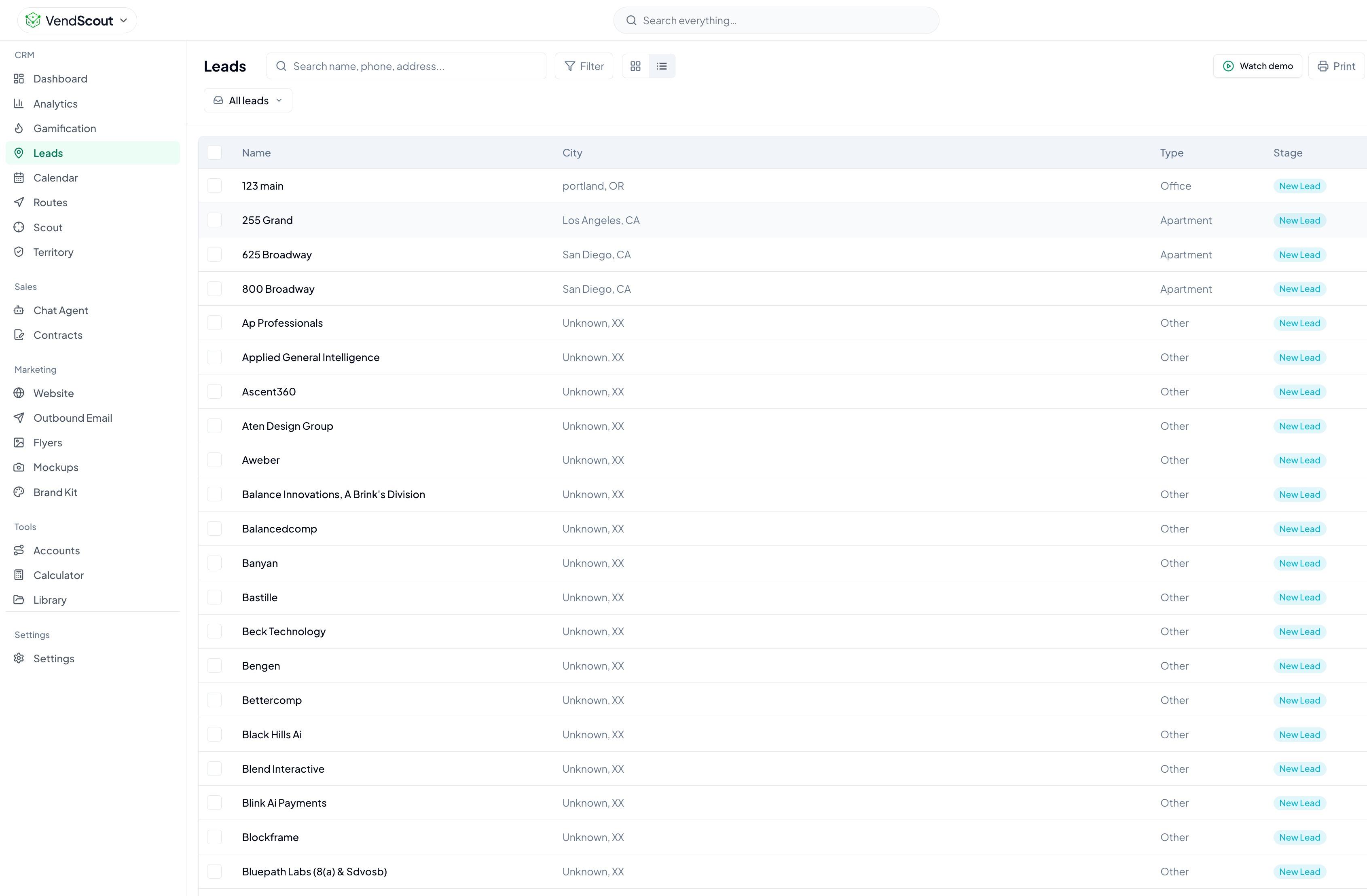
Wholesale ordering software puts your suppliers in one place, so restocking means fewer accounts and fewer orders. It saves the most time when you place orders with several suppliers every week. Pantry puts national wholesale suppliers under one login and one cart.
The lowest item price isn't always the lowest delivered price once shipping is added. VendHub's free wholesale delivered-cost checker compares suppliers on delivered cost per item. Run your usual order through it before you switch suppliers.
Best for: weekly restocking, operators with several supplier accounts, cutting order time
What should you check before you buy?
- Start with your biggest time sink. Pick the tool that saves hours on the job you do most, not the one with the longest feature list.
- Confirm your machines connect. A sales dashboard only helps if it can read your machines, so check the integrations list first.
- Count the logins. Every separate account is one more place for data to go stale, so favor tools that keep related jobs together.
- Try the free tools first. VendHub's six free tools for locations, proposals, profit, coolers, wholesale cost and machine mockups show you how a platform works before you pay.
- Plan for the team you'll have. If you expect to hire, choose software that gives each person their own access from day one.
Your move this week
- Write down the three jobs that took the most hours last week. That list tells you which app to try first.
- Run your home ZIP code and one business type through the free vending location finder and call the five businesses it returns.
- List the card readers or machine systems on your current machines and check them against the VendLytics integrations page.
- Before your next pitch, run the spot through the location profit calculator and print a proposal to bring with you.
Frequently asked questions
What does vending management software do?
It handles a part of running a route, such as finding locations, tracking sales, ordering stock or planning visits. Some tools do one job. Others put several together, so you can find a location, buy a machine, stock it and track its sales from one login. Start with whichever job costs you the most time.
Do I need paid software if I only have a few machines?
Usually not for everything. A small route needs help finding and pitching locations first, and the free location finder, proposal generator and profit calculator cover that. Sales dashboards, route planning and team access become worth paying for once more machines report sales on their own and more people share the work.
How do I know if my machines will connect to a sales dashboard?
Check the integrations list before you sign up. VendLytics tracks sales for every connected machine, and its integrations page lists the machine systems it connects to. If your machines aren't on that list, their sales won't flow into the dashboard automatically, so sort that out before you count on per-location reports.
Can one login cover finding locations, buying machines and ordering stock?
Yes, if the platform is built for all three. VendHub covers prospecting with the location finder and VendScout, machines through the Equipment catalog, and stock through Pantry, which puts national wholesale suppliers in one cart. Run my operation adds route planning and gives the whole team one login.
How is vending software priced?
It depends on what you use. VendHub charges a membership, and VendLytics is priced per machine, with current details on the pricing page. Several tools cost nothing and need no sign-up, including the location finder, the proposal generator, the profit calculator and the smart cooler cost comparison.
Keep reading
 Vending Machine Supplier Types: Pick the Mix With the Lowest Delivered Cost, Not the Cheapest Case Price
 Can Vending Machine Screens Make Money From Ads? Yes, If You Control What Plays and Can Wait for the Payout
 Vending Machine Telemetry: Check the Connection Before You Buy, Then Track Only What Changes Your Route
 Vending Repair: Fix the Payment and Delivery Parts Yourself, Call a Tech for Cold and Power