Vending Machine Telemetry: Check the Connection Before You Buy, Then Track Only What Changes Your Route
Vending machine telemetry is the data a connected machine sends back to you: what it sold, how customers paid and, depending on the system, stock levels and machine status. It lets you decide which machines to visit, which locations to keep and what to load in the van without driving out to look first. This guide is for operators with machines at more than one location who want fewer wasted trips and clearer numbers on every spot.
By Mike Hoffmann, Founder · 8 min read
See VendLytics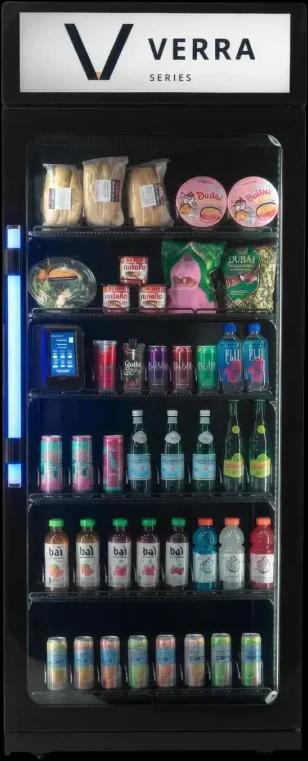
On this page (10 sections)
- What does vending machine telemetry actually report?
- Can you see machines from different makers in one place?
- Should you check telemetry before you buy a machine?
- Which telemetry features do you need first?
- How do stock signals and machine alerts cut wasted trips?
- How do you turn telemetry into a keep-or-move decision on a location?
- What does payment data tell you about a location?
- Can a machine's screen earn money on top of its sales?
- Your move this week
- Frequently asked questions
What does vending machine telemetry actually report?
At minimum, a connected machine reports its sales. Depending on the system behind it, it can also report payment details, stock and whether the machine is working.
Sales by machine is the base layer. Once every machine reports what it sells, you can see which placements carry your route and which ones lag. VendLytics connects your machine data and tracks every machine's sales and revenue in one place, so you are not adding up numbers by hand at the end of the week.
The rest of the stack is a set of separate jobs. Payment data shows how customers pay. Stock signals show what is running low, and status alerts flag a machine that stopped working.
Different systems handle different pieces, and they report at different levels of detail. Before you rely on any of it, ask each system you use three things:
- What does it report for each machine?
- How often does that data refresh?
- Can it send that data somewhere you already look every day?
The keyword in all of this is "connected." A machine that is not hooked up to a supported system will not show up at all. Your picture of the route is only as complete as your connections.
Can you see machines from different makers in one place?
Yes, as long as each machine's system is one your reporting tool connects to. That is the single most important thing to confirm, because mixed fleets are normal.
Many operators end up with machines from more than one maker, each with its own reporting login. Switching between those screens hides patterns, since you never see the whole route side by side. The Integrations page lists the machine systems VendLytics connects to, and connected machines show up together in one view.
Combining data brings one chore with it. Product names, machine names and location labels often differ between systems. Clean those up early, in the first week, so the combined view reads like one route instead of three.
If you came here looking for a specific telematics brand, check that brand's system against the Integrations list first. That answer decides more than any feature comparison will.
Should you check telemetry before you buy a machine?
Yes. Check whether a machine can report into your dashboard before it goes on the order, because fixing a gap after delivery is harder than avoiding it.
The common mistake is buying first and checking later. A machine that cannot connect leaves a hole in your reporting, and that hole sits at whatever location you just worked hard to land. When you browse Equipment, confirm the machine's system is on the Integrations list before you order.
VendHub sells new machines only, never used or refurbished. If you plan to buy more than one machine over the next year, it is worth knowing that VendHub members get discounted member pricing on equipment and supplies, which adds up as the route grows. Members can also use in-platform equipment financing through partner APPROVE.
A short pre-purchase checklist:
- Find the machine's reporting system.
- Confirm that system is on the Integrations page.
- Decide which reports you need from that location before the machine arrives.
- Plan who on your team will check those reports.
Which telemetry features do you need first?
Start with the decision you make most often, then add the feature that feeds it. Most operators need sales by machine first and everything else second.
A system that reports a lot but cannot connect to your other machines leaves you flipping between screens. A system that connects everything but reports very little leaves you guessing. Use this table to pick a starting point.
| Your situation | Start with | Add next |
|---|---|---|
| One or two machines | Sales by machine | Location review once you have a few months of data |
| Machines from more than one maker | Check each system against Integrations | One combined view of every machine |
| Too much time driving | Sales data paired with route planning | Stock signals, if your system reports them |
| Drivers or a business partner | Shared team logins | Clear rules on who sees which reports |
| Paying locations a commission | Per-location statements | A scheduled monthly review |
| Machines with screens | Sales by machine | Ads on idle screens |
Route planning is where data turns into saved time. Run my operation shows what your connected machines earn, plans routes and gives your whole team one login, so service days follow demand instead of habit.
Team access matters as soon as someone else stocks or services machines. A driver may only need the day's route, while a partner may want sales. Set that up on purpose rather than passing one password around.
How do stock signals and machine alerts cut wasted trips?
Stock signals tell you what is low before you arrive, and status alerts tell you a machine is down before the location manager calls. Both only help if the data behind them is accurate and the alerts reach the right person.
For stock, the value is simple. You load the van with the products each machine needs and skip machines that are still full. Ask any system you are considering how it reports stock and how often that number updates.
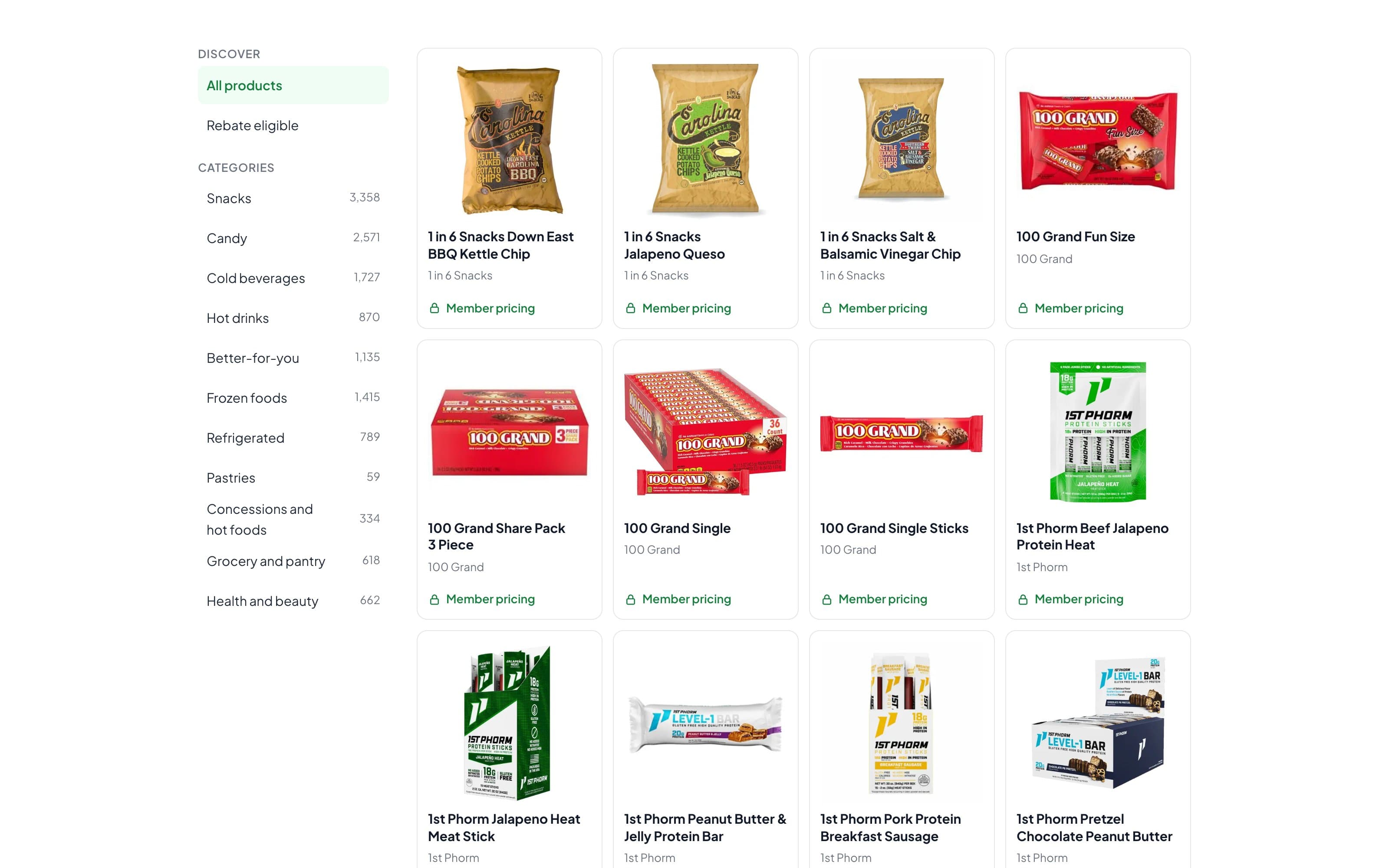
Stock data depends on clean product records. If slots are mislabeled, the signal points you the wrong way and you carry the wrong cases. The Vending UPC database lets you look up UPCs for vending snacks, candy and drinks so your records match what is actually in the coils.
For alerts, ask what events trigger one and how you receive it. A down machine sells nothing until someone knows about it.
Too many alerts turn into noise, and noise gets ignored. Check whether you can choose which alerts you get and who gets each one. Send each alert to the person who can fix it.
How do you turn telemetry into a keep-or-move decision on a location?
Use sales data as the starting point, then account for what the location costs you. A machine can sell well and still be a weak spot once commission, rent, spoilage and drive time come out.
VendLytics produces a Location Statement and a Revenue Share report for each location. Those give you the commission numbers to send each location, so the monthly payout conversation starts from the same data you see.
To judge the spot itself, plug your numbers into the Location profit calculator. It shows what a location really earns after rent, spoilage, commission, fees and time.
Run this review on a schedule, not only when a location feels slow. When a spot does not hold up, you have three options:
- Renegotiate the commission, using the Revenue Share report as your evidence.
- Change the product mix and give it another review cycle.
- Move the machine to a better location.
What does payment data tell you about a location?
Payment data shows how customers pay at each site, which tells you whether a machine has the right payment hardware for that crowd. Read it next to sales, because on its own it says little.
If a location's mix leans heavily one way, that may call for a change to the machine's payment setup. Ask what payment details your system reports and whether they appear next to each machine's sales.
Where the reader goes matters too. Card readers depend on signal and on how the location's customers prefer to pay. Our post on choosing a vending card reader covers how to match the reader to the location.
Can a machine's screen earn money on top of its sales?
Yes, if the machine has a screen. VendMedia pays operators for ads shown on any machine with a screen.
That covers AI machines, micro markets and Vera machines. Those screens sit idle between purchases, and VendMedia puts ads on them and pays out to your account.
This only applies to hardware with a screen. If your route is all classic snack and drink machines, skip this one for now and revisit it when you add a screen machine.
Your move this week
- List every machine on your route with its maker and reporting system. Check each system against the Integrations page and mark any machine that cannot report.
- Write down the three decisions you make most often each week, such as what to load, which stops to make and which locations to keep. Pick the one report that feeds each decision.
- Clean up product names and slot labels on your busiest machine using the Vending UPC database, so its stock and sales data match the coils.
- Run your weakest location through the Location profit calculator with your real sales numbers. Decide whether to renegotiate, change the mix or move.
- If the numbers say move, enter your ZIP code and business type in the free Vending location finder to get five real nearby businesses to pitch.
Frequently asked questions
Does telemetry work on machines I already own?
It can, if the machine's system is one VendLytics connects to. Check your machine's reporting system against the Integrations page. If it is listed, the machine can show up in your combined sales view next to your other connected machines. If it is not listed, that machine will not appear, so plan your reporting around that gap until you replace or upgrade it.
How is VendLytics priced?
VendLytics is priced per machine, on top of VendHub membership, and the Pricing page has the current details. Because cost scales with the number of machines you connect, start with the machines whose data drives your biggest decisions. Add the rest once checking reports has become a normal part of your weekly routine and you know which numbers you use.
What is a Revenue Share report?
It is a per-location report from VendLytics that gives you the commission numbers to send each location. VendLytics also produces a Location Statement for each location. Together they let you pay commissions from the same sales data you use to judge the spot, which makes renegotiating easier when a location underperforms over a few months.
Can my drivers see the same data I do?
Yes. Run my operation gives the whole team one VendHub login for every tool, so drivers, partners and office help work from the same numbers. Decide who needs what before you invite people. A driver usually needs the day's route and stops, while a business partner may want sales and location statements.
Does VendHub sell used machines with telemetry already set up?
No. VendHub sells new machines only, never used or refurbished. Before you order any machine, confirm that its reporting system is on the Integrations page so it can report into VendLytics from day one. Members can use in-platform equipment financing through partner APPROVE when buying through VendHub.
Keep reading
 Vending Machine Supplier Types: Pick the Mix With the Lowest Delivered Cost, Not the Cheapest Case Price
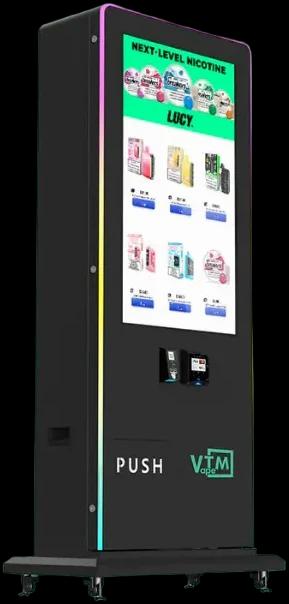 Can Vending Machine Screens Make Money From Ads? Yes, If You Control What Plays and Can Wait for the Payout
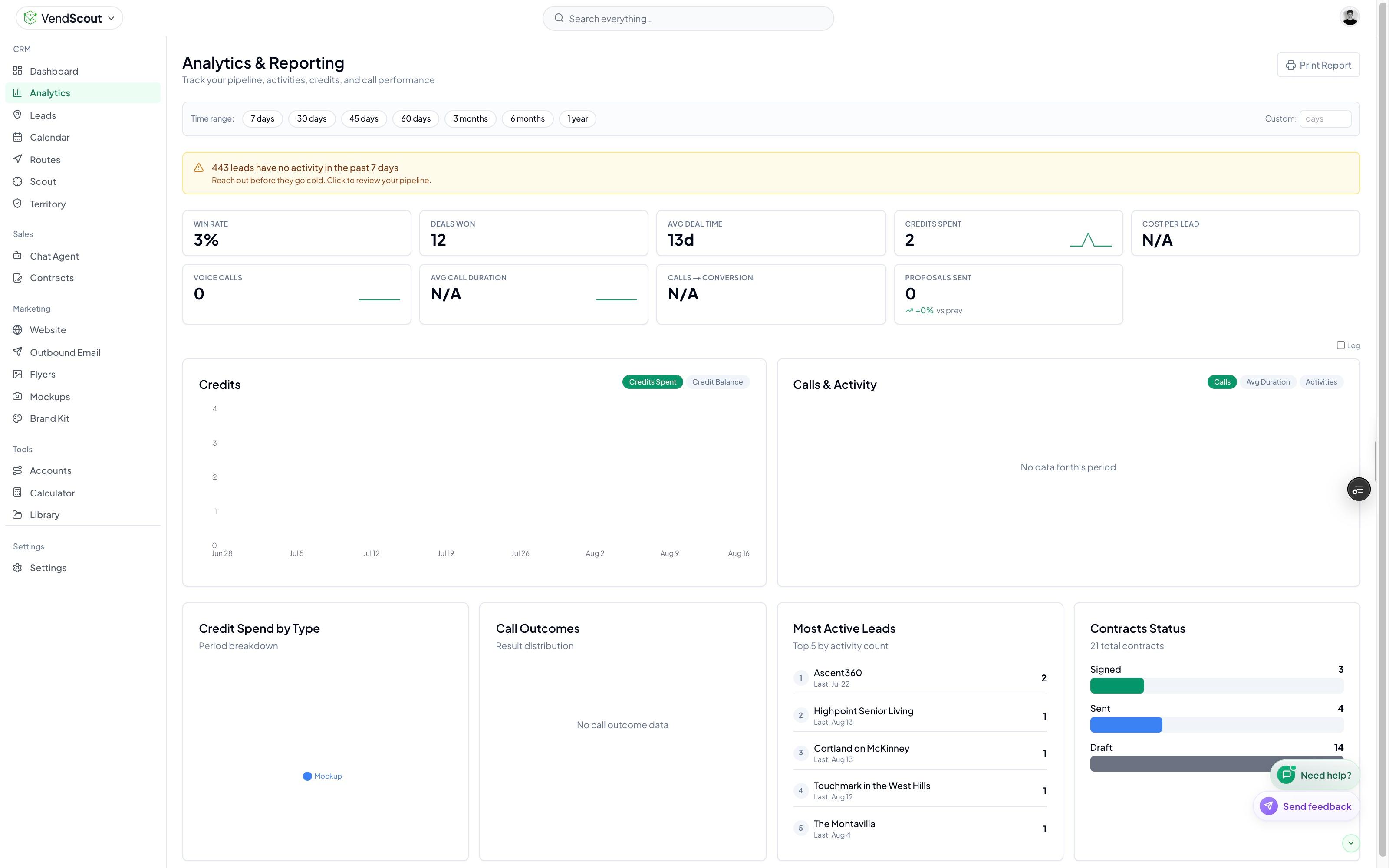 Vending Machine Apps: Start With the Job That Eats Your Week, Then Add the Next Tool
 Vending Repair: Fix the Payment and Delivery Parts Yourself, Call a Tech for Cold and Power