How to Choose a Vending Card Reader: Match It to How the Location Pays and Where It Gets Signal
Choose a vending card reader by matching three things to the location: how its customers pay (swipe, chip, tap or phone), which connection works at the exact spot where the machine will stand (cellular or Wi-Fi), and whether you need sales data from every machine. For a mixed crowd, a combo reader that takes swipe, chip and tap covers the most buyers with one piece of hardware.
By Mike Hoffmann, Founder · 7 min read
Browse the machine catalog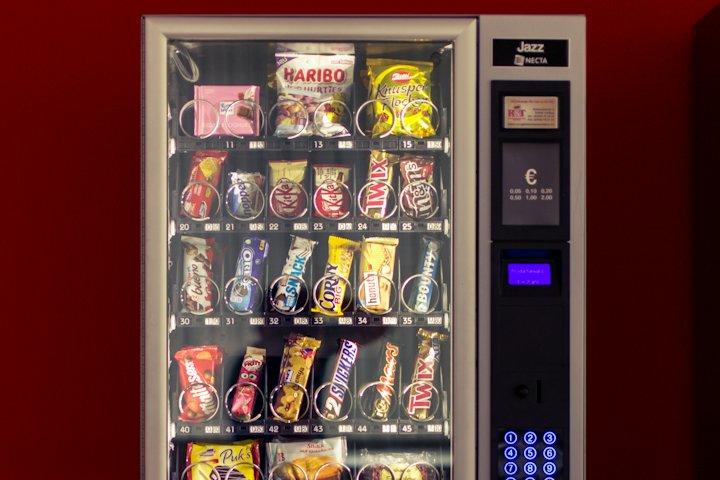
On this page (9 sections)
- What payment methods should a vending card reader accept?
- Should the reader connect over cellular or Wi-Fi?
- Can you add a card reader to a machine that only takes cash?
- Do smart coolers and micro markets need a separate reader?
- How do you see sales from every reader in one place?
- What should you ask the location before you install a reader?
- How should you budget for a card reader?
- Your move this week
- Frequently asked questions
This guide is for operators adding cashless payment to machines they already own and for people choosing payment for a first route.
What payment methods should a vending card reader accept?
It should accept the way the location's customers already pay. For most sites, that means a reader that takes at least two methods, so you don't turn away a buyer whose card or phone doesn't fit a single method.
Readers fall into a few types. A magstripe reader takes a swipe and is the simplest option, often found on older equipment. An EMV chip reader takes an inserted card, which feels familiar to anyone who pays that way at stores. A contactless reader takes a tap, and many contactless readers also accept a phone or watch.
Each one has a blind spot. Swipe-only can feel dated where people mostly tap. Chip payments take a moment longer than a tap, which matters at a busy machine during a short break. Tap-only readers miss customers whose cards don't support contactless.
| Reader type | What it accepts | Where it fits | What to check |
|---|---|---|---|
| Magstripe | Card swipe | Older machines, low-traffic spots | Whether the site's buyers still swipe |
| EMV chip | Inserted chip card | Sites where buyers expect chip | Speed at shift change |
| Contactless | Tap-to-pay cards | Busy breakrooms, schools, quick buys | A second method for non-tap cards |
| Mobile wallet | Phone and watch payments | Offices, gyms, apartment buildings | That wallets are switched on, not assumed |
| Combo | Swipe, chip and tap together | Hospitals, transit, public buildings | Which methods are active out of the box |
| Smart cooler or kiosk | Card or phone at the door or checkout | Fresh food, larger workplaces | That payment is built into the unit |
For a wider look at payment technology across vending machines, micro markets and smart coolers, read the unattended retail guide.
Should the reader connect over cellular or Wi-Fi?
Pick cellular when the location has no shared network or its IT team won't give you access. Pick Wi-Fi when the site will give you reliable access and mobile signal inside the building is weak.
A cellular reader runs on a mobile network, so it doesn't depend on anyone else's equipment. That makes it the practical pick for warehouses, factories, outdoor spots and sites where IT keeps devices off the network. Its weak point is signal: a basement or a metal-walled room can leave it struggling.
A Wi-Fi reader uses the location's own network. That ties your sales to someone else's router, password and device rules, which can change without notice. If you go this route, get network access written into your placement agreement.
Either way, test the connection at the exact spot the machine will stand, not at the front door. The setup time and the risk of a dropped connection both belong in what a site is worth to you, and the location profit calculator shows what a location really earns after rent, spoilage, commission, fees and your time.
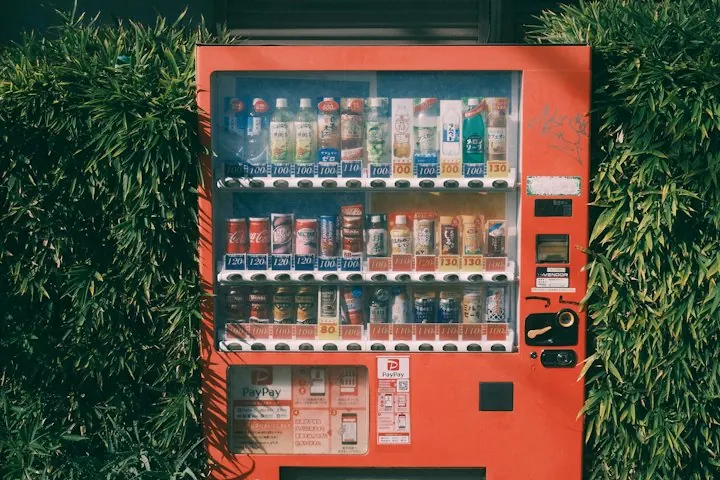
Can you add a card reader to a machine that only takes cash?
Often, yes. A retrofit reader adds cashless payment to a machine that only took cash, and it's the usual path for operators who bought older machines or took over a route with older equipment.
Fit is the whole question. Before you order, confirm the reader works with your machine's make, model and payment connection. A reader that doesn't fit becomes a return and a lost week.
If you're buying a route, ask the seller what payment hardware is on each machine before you agree to a price. The vending routes for sale page lists routes and what to check before you buy one. If you'd rather start with new machines, VendHub sells new machines only, never used or refurbished.
Do smart coolers and micro markets need a separate reader?
Usually not. Smart coolers typically build payment into the unit, often at the door, and micro markets use a self-checkout kiosk in place of a reader on each machine.
With a smart cooler, the customer pays, opens the door and takes what they want. Because payment comes with the cooler, you choose the cooler and its payment method at the same time. The smart cooler cost comparison shows what a cooler costs to own over one to five years before you commit.
Coolers with screens can do one more job. VendMedia pays operators for ads on machines with a screen, including AI machines, micro markets and smart coolers.
A micro market puts open shelves in front of customers and a kiosk where they pay by card or phone. It suits larger workplaces with steady traffic and room for shelving.
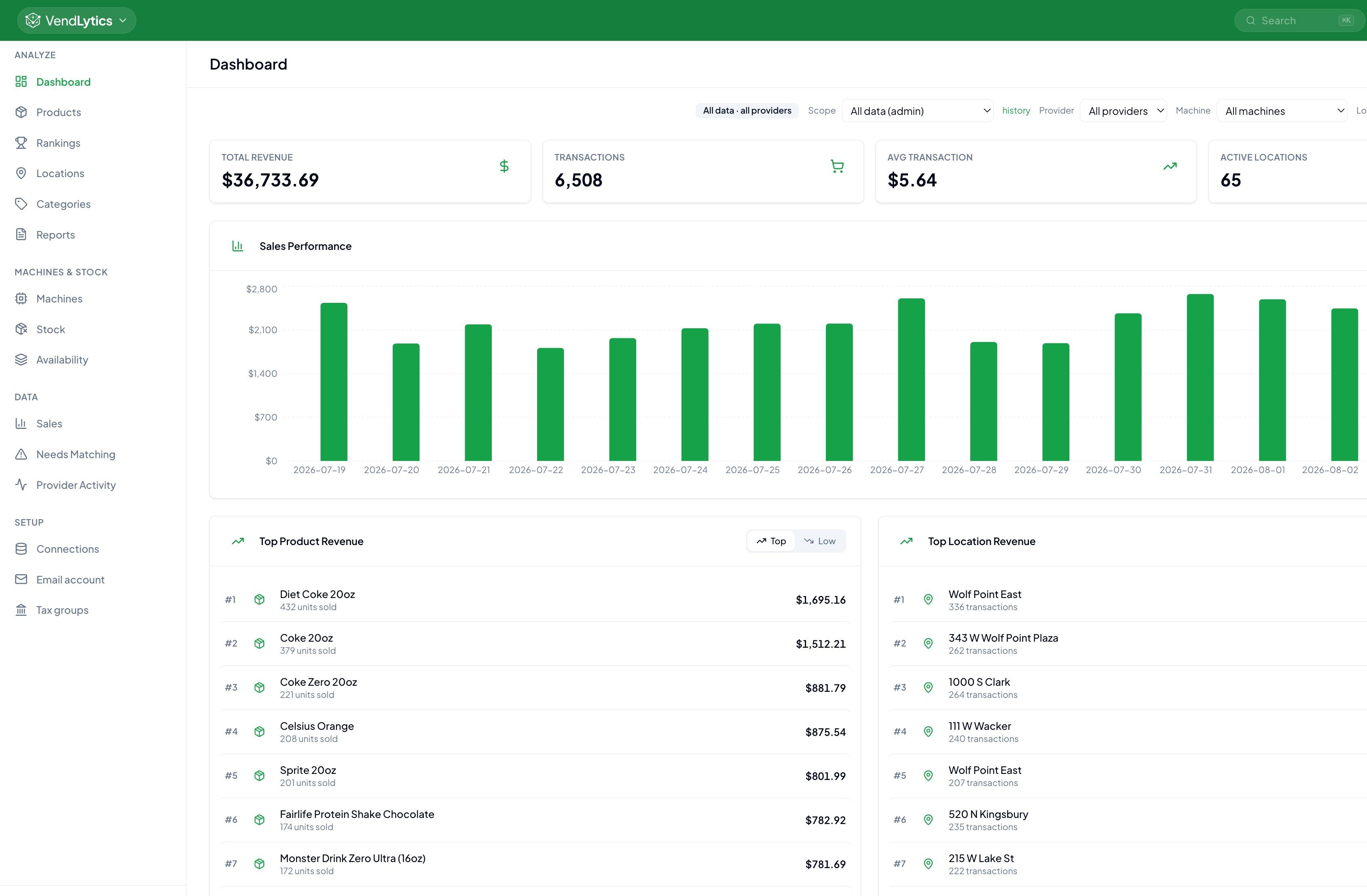
How do you see sales from every reader in one place?
Choose readers that report each sale, then pull that data into one dashboard. A reader that reports shows you what sold, when, and which machine needs a visit.
That data is only useful if you read it across the whole route. VendLytics connects your machine data and tracks every machine's sales and revenue in one place. Check the integrations page for the machine systems it connects to before you buy readers, so the hardware works with the dashboard you plan to use.
Reporting also helps with location deals. VendLytics produces a Location Statement and a Revenue Share report per location, which gives you the commission numbers to send each site.
Watching the data matters after install too. A reader that goes offline quietly turns a cashless machine back into a cash-only one. Check connected machines regularly instead of waiting for the site to complain.
What should you ask the location before you install a reader?
Ask how employees or visitors usually pay, where the machine will stand, and who controls the network. Those three answers pick the reader for you.
Here's a short list to bring to the walkthrough:
- How do most people here pay for coffee or lunch: card, phone or cash?
- Is there a busy rush, like a shift change, when a line forms?
- Is there Wi-Fi we can use, and who approves a new device on it?
- How strong is mobile signal at the exact spot for the machine?
- Who do we call if the network changes?
Put the answers to work in your pitch. The placement proposal generator builds a print-ready proposal for the property or office manager, and naming the payment methods you'll accept shows you planned for their people.
How should you budget for a card reader?
Treat the reader as its own line item, separate from the machine. Reader hardware and processing terms come from your equipment and payment providers and vary, so compare them on their own before you add them to a site's numbers.
Decide machine by machine instead of outfitting the whole route at once. Start with sites where people are least likely to carry cash, such as offices and gyms, and add readers elsewhere as the data shows a need.
When you buy more than one machine, membership can help over time: VendHub members get discounted member pricing on equipment and supplies. The same page lists what VendHub costs, including VendLytics, which is priced per machine.
Your move this week
- List every machine you run or plan to place, and mark which ones take cash only.
- Ask each site manager how their people pay and whether they'll give you Wi-Fi access, using the questions above.
- Stand where each machine will go and check mobile signal on your phone before you pick cellular or Wi-Fi.
- For each retrofit, write down the machine's make, model and payment connection and confirm a reader fits before ordering.
- Run your best location through the free location profit calculator with the reader's processing terms included, so you know whether the upgrade pays for itself there.
Frequently asked questions
Do I need a card reader on every machine?
Not always, but many customers carry only a card or phone, so a cash-only machine can miss them. Start where people are least likely to carry cash, such as offices and gyms. Ask each site manager how people usually pay, then decide machine by machine rather than outfitting the whole route at once.
Is a swipe-only reader still worth buying?
It can work on older machines or low-traffic spots, and it's the simplest kind of cashless payment. The risk is that many customers now expect to insert or tap a card. If a location's crowd mostly taps or pays by phone, a combo reader that adds chip and tap is the safer pick.
What happens if a reader loses its connection?
The machine stops taking cards and becomes cash-only until the connection returns, and you may not hear about it from the site. That's why it helps to use readers that report sales and to check connected machines regularly. A machine with no card sales on a normal day is a sign to visit.
What should a placement agreement say about the reader?
If the reader uses the site's Wi-Fi, the agreement should cover network access and who to contact when the password or device rules change. It's also a good place to note the payment methods you'll accept, so the location knows what its people can use from day one.
Can reader data help me pay location commissions?
Yes, when the readers report sales into a dashboard. VendLytics tracks every connected machine's sales and revenue and produces a Location Statement and a Revenue Share report per location. Those reports give you the commission numbers to send each site, instead of rebuilding them by hand from cash counts.
Keep reading
 Vape Vending Machine Placement: Put It Where Staff Check ID, and Pass on Open-Door Stores
 Types of Vending Machines: Pick by What the Spot Can Sell and How Much You Can Trust the Crowd
 Specialty Vending Machines: Pick the One Your Location's Foot Traffic Already Wants
 Pop Machines for Sale: Let the Location Pick Between Snack, Drink and Combo