How to Choose a Self Checkout Kiosk: Let Security and Floor Space Decide Before the Screen Does
Choose a self checkout kiosk by looking at the location first. Three things decide it: how well the site controls who walks in, how much floor or wall space you get, and what you plan to sell. A secure office can run open shelves with a freestanding or countertop kiosk. A lobby or public space needs a smart cooler with a locked door or a vending machine with a card reader. This guide is for operators deciding on a micro market or smart cooler for a site that wants more than a snack machine.
By Mike Hoffmann, Founder · 8 min read
Browse the machine catalog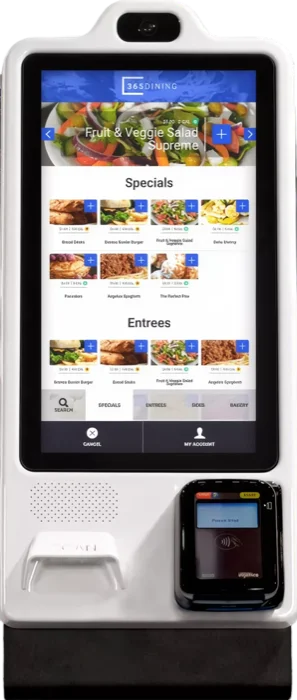
On this page (9 sections)
- What does a self checkout kiosk setup look like in vending?
- Is the location secure enough for open shelves?
- How much space do you need, and where does the kiosk go?
- Should fresh food go behind a locked door?
- How many kiosks does a busy site need?
- Will the kiosk's sales show up with the rest of your route?
- Should you start small at a new site?
- Your move this week
- Frequently asked questions
What does a self checkout kiosk setup look like in vending?
It's a station where buyers scan and pay for items on their own, with no cashier. In vending it usually sits in a micro market next to open shelves and coolers, but the word covers several different setups.
When someone says "kiosk," they could mean any of these:
- Freestanding kiosk: the classic micro market checkout, on the floor beside the shelves.
- Countertop kiosk: a smaller unit on an existing counter or cabinet.
- Wall-mounted kiosk: hangs near the shelves and takes almost no floor space.
- Tablet on a stand: a screen with a scanner and card reader, quick to place and easy to move.
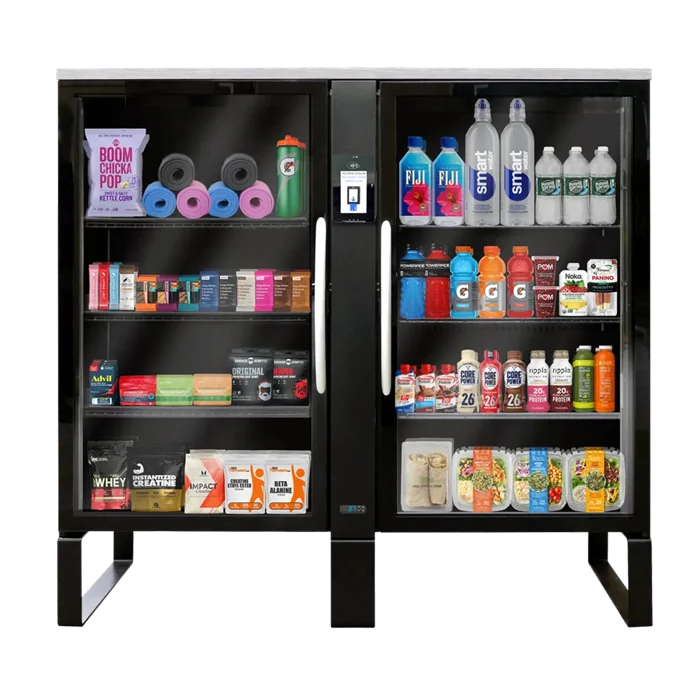
- Smart cooler with built-in checkout: the buyer pays or taps a card to open the door and is charged for what they take.
- Mobile app checkout: buyers scan and pay on their own phones.
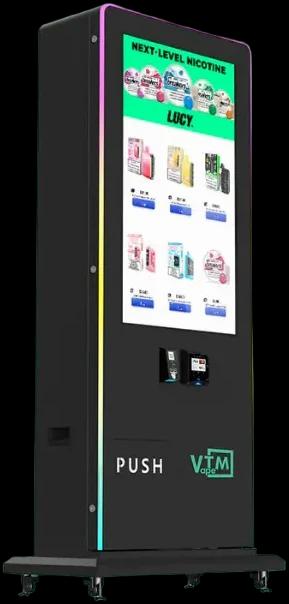
- Vending machine with a card reader: self-checkout in its simplest form, with everything behind glass.
The main thing that sets these apart is the setting each one suits, more than the screen. Our unattended retail guide explains how micro markets, smart coolers and vending machines work side by side, which is useful if you're new to running more than one format.
Is the location secure enough for open shelves?
Open shelves only work where the location controls who walks in. If the space is open to the public or has had theft problems, keep the product behind a locked door or glass.
A secure, staffed office that limits entry to employees can run a full market with a kiosk. A lobby, gym or apartment building usually can't. In those places a smart cooler stays locked until someone pays, and a vending machine keeps every item enclosed.
Use this table to match the setup to the site before you look at hardware:
| Setup | Footprint | Security level | Best for |
|---|---|---|---|
| Freestanding kiosk | Medium | Relies on a secure site | Full micro markets in offices |
| Countertop kiosk | Small | Relies on a secure site | Small breakrooms with a counter |
| Wall-mounted kiosk | Very small | Relies on a secure site | Tight spaces and hallways |
| Tablet kiosk on a stand | Small | Relies on a secure site | Testing a market at a new site |
| Smart cooler with built-in checkout | Small to medium | Locked door | Fresh food in semi-public spaces |
| Kiosk plus smart coolers | Large | Mixed | Bigger sites with fresh and shelf items |
| Mobile app checkout | None | Relies on a secure site | Sites where most buyers carry phones |
| Vending machine with card reader | Medium | Fully enclosed | Public or unsecured locations |
Most rows say "relies on a secure site." That's because the kiosk handles payment and has no way to stop anyone from walking out with an item. If you can't vouch for the space, start in the bottom half of the table and browse smart coolers and vending machines in Equipment, which shows the price on every one.
How much space do you need, and where does the kiosk go?
That depends on the setup. A freestanding kiosk needs real floor space next to the shelves, while a countertop or wall-mounted unit fits rooms where every square foot is spoken for.
Freestanding. This works best in larger workplaces where you want a broad mix, including fresh food and bigger items. Plan the layout around foot traffic so the line at the screen doesn't block the shelves.
Countertop. It does the same job with less floor, which suits breakrooms that already have a counter. The risk is clutter, since a small screen next to the coffee maker gets buried. Ask the property manager for a clear spot that stays clear.
Wall-mounted. It's a good fit for hallways and narrow breakrooms. Before you commit, confirm the wall can take the mount and that power and network reach the spot. Some properties limit drilling, so get the approval in writing.
Tablet on a stand. It's light and easy to move, but it's also easier to knock over or walk off with. Check how it fastens to the stand and the floor.
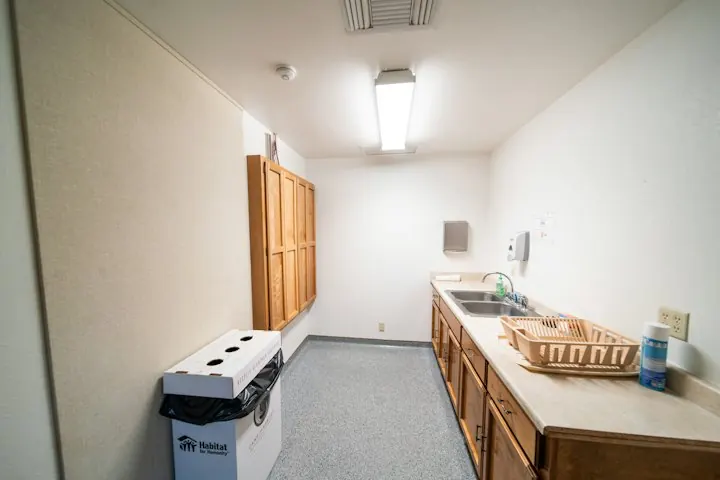
Whatever you pick, measure floor space, wall space, power and network at the exact spot, not just in the room. If the space turns out to suit a cooler or machine better, Compare machines puts up to four side by side on price, capacity, warranty and specs.
Should fresh food go behind a locked door?
At most sites, yes. A smart cooler keeps fresh food and higher-value items locked until someone pays, so you can sell a real lunch in places where open shelves wouldn't last.
The tradeoff is capacity. A smart cooler holds less than a full market, so the mix is narrower. Before you buy, run the smart cooler cost comparison to see what one costs to own over one to five years.
Many larger sites mix the two. A kiosk handles open shelves of snacks and drinks, and one or more smart coolers hold the fresh food. Buyers get a wide selection, and you keep control of the items that cost the most to lose.
That combination takes the most space and the most planning. You're stocking and servicing two systems, so budget your route time for it. One more thing to know: if a cooler or market setup has a screen, VendMedia pays operators for ads shown on it.
How many kiosks does a busy site need?
Start with one and add a second only when the line proves you need it. At a large site where everyone breaks for lunch at once, a single kiosk becomes the bottleneck, and some people leave the line without buying.
Watch the site's sales for a few weeks before you buy more hardware. VendLytics tracks every connected machine's sales and revenue in one place, so you can see whether the busy stretch is a daily pattern or a one-off.
If the line only forms for a short window, mobile app checkout can handle the overflow. Don't rely on the app alone, though. It shuts out anyone who doesn't want to download an app or doesn't carry a phone, so most sites that use it still keep a kiosk. Ask the location how their people prefer to pay.
Will the kiosk's sales show up with the rest of your route?
Only if the system it runs on connects to your reporting, so check that before you choose hardware. Picking a kiosk or cooler first and finding out later that its data lives in a separate dashboard means another login to check on every service day.
The integrations page lists the machine systems VendLytics connects to. Once a kiosk or cooler is connected, its sales sit next to your vending machines in one view.
That matters when the location asks for its share. VendLytics produces a Location Statement and a Revenue Share report for each location, which gives you the commission numbers to send them. A market with a kiosk and two coolers then shows up as one location instead of three separate reports.
Should you start small at a new site?
Yes, when you aren't sure the demand is there. A smart cooler or a tablet kiosk lets you test a site before you build out shelves, coolers and a freestanding station.
Look at how many people use the space, whether access is controlled and whether they want fresh food. The location profit calculator shows what a location earns after rent, spoilage, commission, fees and time, which helps you decide if a full market is worth the buildout.
If the test goes well, step up to a freestanding kiosk and more coolers. VendHub sells new machines only. Members get discounted member pricing on equipment and supplies, which adds up when one site grows from a single cooler to several. Members can also use in-platform equipment financing through partner APPROVE.
Your move this week
- Walk your best candidate site and write down three things: who can get into the space, the floor and wall space at the exact spot, and where power and network are.
- Find the row in the table above that matches what you saw, and rule out any setup that relies on a secure site if the space is open to the public.
- Take a photo of the room and use See it in my space to drop a machine or cooler into it, then send the mockup to the property manager.
- Before you price any hardware, check that its system connects to your reporting.
- Ask the location how their people prefer to pay (card, phone or app) and when the busiest hour is.
Frequently asked questions
What counts as a self-checkout setup in vending?
Any setup where buyers pay without a cashier. That includes a kiosk beside open shelves in a micro market, a smart cooler that unlocks when someone pays, phone app checkout, and a vending machine with a card reader. They differ mainly in how much security each one gives the product and how much space it takes up.
Can buyers check out on their phones instead of a screen?
Some markets let buyers scan and pay on their own phones. That takes no floor space and can shorten lines at busy times. It leaves out anyone who won't download an app or doesn't carry a phone, so most sites that offer it keep a kiosk as well. Ask the location before relying on the app alone.
Where can I see what the hardware costs?
The Equipment catalog shows the price on every vending machine and smart cooler, and you can compare up to four machines side by side. For smart coolers, the cost comparison tool shows ownership cost over one to five years. Membership and per-machine VendLytics pricing are on the pricing page.
Can I finance a smart cooler or machine through VendHub?
VendHub doesn't lend directly. Members get in-platform equipment financing through VendHub's partner, APPROVE, so they can apply while buying equipment. VendHub sells new machines only, never used or refurbished. Financing works well when you test a site with one cooler first and plan to add equipment once the site proves itself.
How do I find a site that can support a micro market?
Look for places with a steady crowd, controlled entry and interest in fresh food, such as larger offices and workplaces. The free vending location finder returns five real nearby businesses for any ZIP code and business type. Grow my route works in any US ZIP and keeps every lead in one pipeline.
Keep reading
 Vape Vending Machine Placement: Put It Where Staff Check ID, and Pass on Open-Door Stores
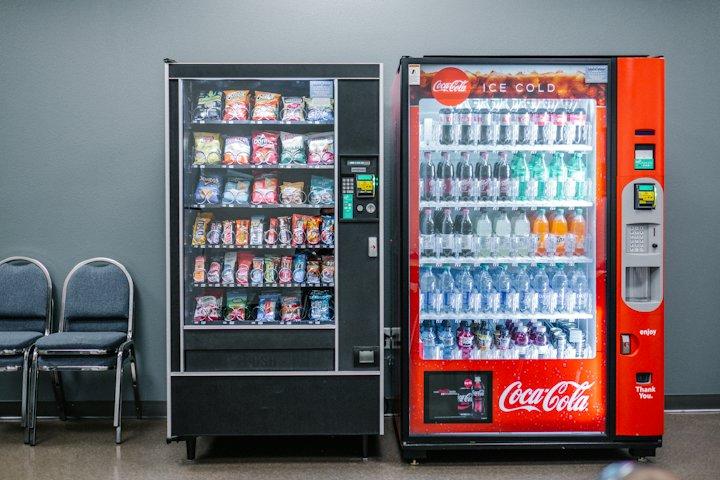 Types of Vending Machines: Pick by What the Spot Can Sell and How Much You Can Trust the Crowd
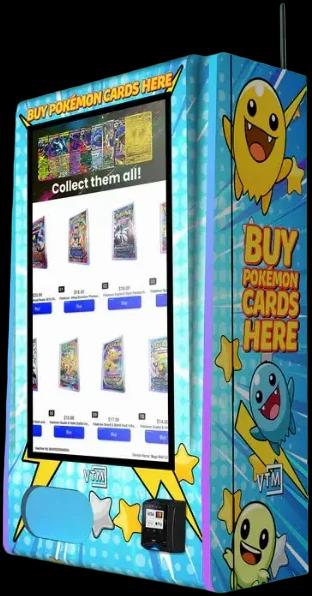 Specialty Vending Machines: Pick the One Your Location's Foot Traffic Already Wants
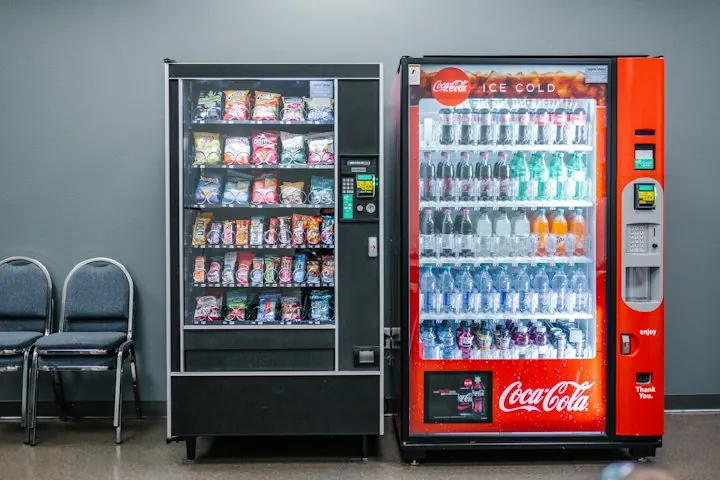 Pop Machines for Sale: Let the Location Pick Between Snack, Drink and Combo